React Server Components in Next.js: What Changed in How I Build
React Server Components flipped a default in Next.js. The mental model, the boundary that bites, and which Next.js 16 changes actually matter.
By Muhammad Ali
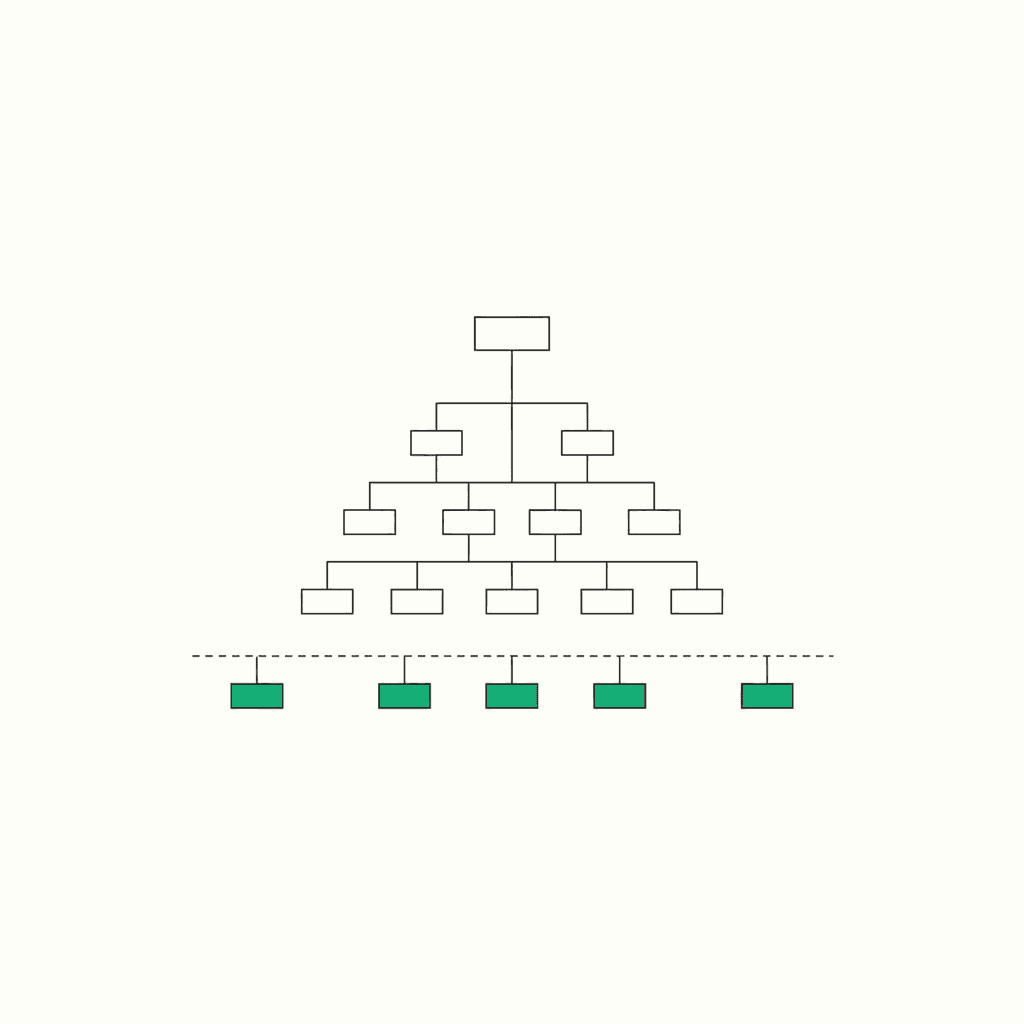
TL;DR: React Server Components flipped a default. In the Next.js App Router, every component starts on the server, and you opt the interactive pieces into the browser by hand with 'use client'. That one inversion changes how you structure an app: fetch on the server, pass plain data down, keep interactivity in small client leaves. Below is the mental model, the serialization boundary that bites in practice, and an honest read on which Next.js 16 changes actually matter.
React Server Components didn't add a feature to my stack. They flipped a default. In the Next.js App Router, every component starts on the server now, and I opt the interactive pieces into the browser by hand with 'use client'. That one inversion changed how I lay out every app I ship.
I build on the App Router across a handful of shipped apps (JobMason, PeerNest, a few others), and this blog is a Next.js App Router site too, so it renders through the same model. So this isn't a changelog recap. It's what the RSC model did to the way I write code.
What a React Server Component actually is
Here's the one-line version. A Server Component is a component that renders ahead of time, before bundling, in an environment separate from your client app or your SSR server. It can run once at build time or per request. It never ships to the browser.
People keep calling this a fancy name for server-side rendering. It isn't. SSR takes a component, runs it on the server to produce HTML, then sends the same component to the browser to hydrate. A server component runs on the server and stops there. No JavaScript for it reaches the client. React 19 marks this model stable.
Two directives draw the map:
'use client'at the top of a file marks that module and everything it imports as client code. The point where a server component imports a'use client'file is the boundary between server-run and client-run code.'use server'marks server-side functions that the client is allowed to call. Call one from the browser and React makes a network request with a serialized copy of the arguments.
That's the whole vocabulary. Most of the confusion I see comes from skipping these two definitions and jumping straight to the framework features.
The model that clicked: default to the server, reach for the client at the leaves
The old way, a create-react-app habit I carried for years, was that everything is a client component. You fetch in a useEffect, you push state around, and the whole tree ships to the browser.
RSC inverts that. The tree starts on the server. I only mark the parts that genuinely need the browser, and I mark them as late as possible, out at the leaves. (Client components still render on the server for the first paint. The difference is their code also ships to the browser so they can hydrate and run.)
Take a screen like a job-application tracker, which is basically what JobMason is: a table of saved applications you can re-sort and update. That shape maps onto RSC cleanly. A server component up top reads the applications, right next to the database, and passes plain data down:
// app/applications/page.tsx  — server component (no directive needed)
import { getApplications } from "@/lib/db";
import { StatusBadge } from "./status-badge";

export default async function ApplicationsPage() {
  const applications = await getApplications(); // runs on the server

  return (
    <ul>
      {applications.map((app) => (
        <li key={app.id}>
          {app.company}
          <StatusBadge status={app.status} />
        </li>
      ))}
    </ul>
  );
}
Then the one interactive bit, the status dropdown, gets 'use client':
// status-badge.tsx  — client leaf
"use client";
import { useState } from "react";

export function StatusBadge({ status }: { status: string }) {
  const [open, setOpen] = useState(false);
  // ...browser-only state and event handlers live here
}
The database query never touches the client. The interactive widget is a small island. This is the shape I reach for by default now, and it's why my pages ship less JavaScript than they used to without me doing anything clever.
When do I reach for a Client Component?
I don't agonize over this anymore. The choice comes down to whether a component needs the browser.
| Reach for a Server Component when… | Reach for a Client Component when… |
|---|---|
| It fetches data (talk to the DB or an API directly) | It holds state (useState, useReducer) |
| It touches server-only code or secrets | It runs effects or subscriptions (useEffect) |
| It renders static or read-only content | It handles events (onClick, onChange, form typing) |
| It imports a heavy library you'd rather keep off the bundle | It uses browser APIs (window, localStorage) |
The default is the left column. I move a component to the right column only when it earns it. A component that just displays props has no reason to run in the browser.
That first row on the left is worth being literal about, because "a heavy library" is usually a guess. I ended up building a tool to stop guessing, and wrote up what an import actually costs once you measure the tree-shaken bytes instead of the package.
The boundary that keeps biting: props have to be serializable
Here's the part the tutorials underplay and the part that cost me the most debugging time. When a server component passes props to a client component, those props have to be serializable, and React context isn't available in server components at all.
Serializable is more forgiving than people assume. React knows how to send primitives, arrays, plain objects, and a good set of built-ins including Date, Map, Set, and typed arrays. So the Date you were about to stringify by hand actually crosses the boundary fine.
What does not cross: a plain function that isn't a Server Function, and any class instance. Those are the two that bite in real code. The first time it got me, I was passing a callback down to a client component and got a wall of "props must be serializable for the client entry file." A function isn't data, so it can't be sent. The fix is obvious once you know the rule: the callback has to live on the client side of the boundary, not get handed across it.
The class-instance one is sneakier. Prisma query results are usually plain objects, so they cross fine, but a field like Prisma.Decimal is a class instance, not a plain number. Hand a row with a Decimal on it straight to a client component and it fails at exactly that field. I turn Decimal into a number or string on the server before it crosses, and do the same for anything else that's secretly an instance.
The other half of this: hooks don't run in server components. No useState, no useEffect, no context. If a component needs any of them, it needs 'use client'. Once the "server by default, plain data across the line, hooks only on the client" rule sat in my head, most of my RSC bugs stopped happening.
My rule of thumb: keep the boundary low in the tree, pass plain data down, and put interactivity in small leaves. A boundary drawn high up drags half your app onto the client for no reason.
'use server' and Server Functions: the cleaner half
Everyone talks about server components. Fewer people use the other directive, and I think it's the nicer part of the model.
A Server Function is a function you mark with 'use server' that the client can call directly. Under the hood, calling it fires a network request that carries a serialized copy of the arguments, runs the function on the server, and serializes the result back. You write what looks like a normal async call and skip hand-rolling an API route for it.
// actions.ts
"use server";
export async function updateStatus(id: string, status: string) {
  // runs on the server; called straight from a client component
  await db.application.update({ where: { id }, data: { status } });
}
The one thing I keep in mind: it's still a network call. The syntax hides the round trip, which is convenient right up until you call it in a loop and wonder why things are slow. Treat it like a request, not a local function, and it's great. React also warns you to treat the arguments as untrusted input and authorize every mutation, which is worth tattooing somewhere.
What Next.js 16 changed on top of RSC
Next.js 16 shipped on October 21, 2025. Worth being clear about what it did and didn't do: it did not replace the App Router or RSC. It changed the defaults and the caching story around them. Here's my honest read on which parts affect my day.
| Change | What it is | Does it matter day to day? |
|---|---|---|
| Turbopack is the default bundler | Stable now, up to 5-10x faster Fast Refresh and 2-5x faster builds | Yes. This is the change you feel every save. |
Async params / searchParams |
Dynamic APIs are now Promises you await | Yes, and it's the one most likely to break your upgrade. |
middleware → proxy.ts |
The file is renamed to proxy.ts to reflect its network-boundary role |
Only if you use middleware. Mechanical rename, low drama. |
Cache Components + use cache |
New explicit caching model built on Partial Prerendering | Not yet, for me. I let the defaults ride and reach for use cache only on a page that genuinely needs partial prerendering. The caching story is still the part that moves. |
| React Compiler support (stable) | Built-in automatic memoization | Nice to have. Quietly deletes a lot of useMemo. |
| DevTools MCP | An MCP server that automates the upgrade with an AI agent | Useful once, during the migration. |
If you upgrade one thing carefully, make it the async params change. It actually started back in Next.js 15, when cookies(), headers(), params, and searchParams became asynchronous, and 16 keeps you honest about it. Everything else on that list I adopted without thinking hard.
Is the RSC model worth it? My take
Yes, with an asterisk.
The wins are real and I feel them on every project: less JavaScript on the client, data fetching that lives where the data lives, and server-only code that stays on the server as long as I don't hand it across the boundary. For content-heavy apps with islands of interactivity, which is most of what I build, it's the right default. PeerNest is a good example of the fit: a tutoring workspace that's mostly rendered dashboards and pages with a few live, stateful surfaces. Most of it wants to be server-rendered, and only the genuinely interactive pieces need the client.
The friction is real too. There's a boundary tax. You spend some brain cycles deciding where the server ends and the client begins, and you'll ship the occasional "why is this a client component" bug. If I were building a heavily interactive canvas app that's basically one big client from the first paint, I wouldn't fight the model. I'd draw the boundary high and treat most of it as a client app.
The reassuring part: the component model itself has settled. React 19 marks RSC stable. The stuff that still moves around is the framework's caching layer, not the 'use client' / 'use server' split I build on every day. If you've been waiting for it to stop shifting before you learn it, the foundation stopped shifting a while ago.
If you want to see the model in real apps rather than toy examples, most of what I ship is on my GitHub.
FAQ
Are React Server Components the same as server-side rendering? No. SSR runs a component on the server to produce HTML and then sends that same component to the browser to hydrate. A server component runs on the server and never ships to the browser at all.
Do I have to put 'use client' on every interactive component?
On the component that owns the interactivity, yes, because state, effects, and event handlers only work in client components. You don't put it everywhere, though. Mark the leaf that needs the browser and keep everything above it on the server.
What does "props must be serializable" actually mean?
Props crossing from a server component to a client component have to be values React knows how to serialize: primitives, arrays, plain objects, and built-ins like Date, Map, and Set. Plain functions (that aren't Server Functions) and class instances don't cross and will error. Convert a class instance to a plain object, or move the code that needs a callback to the client side.
Did Next.js 16 change how RSC works?
Not the component model. Next.js 16 kept the App Router and RSC and changed the defaults around them: Turbopack as the default bundler, a new Cache Components model, and some renamed config. The 'use client' / 'use server' split is unchanged.
Is middleware gone in Next.js 16?
It's renamed. The file is now proxy.ts to better reflect that it sits at the network boundary. If you don't use middleware, this doesn't affect you.
Sources
- A Server Component renders ahead of time, before bundling, in an environment separate from the client app or SSR server; React 19 marks the model stable.
- 'use client' marks a module and its transitive dependencies as client code; the import from a Server Component is the boundary between server-run and client-run code.
- 'use server' marks Server Functions callable from the client; calling one makes a network request with serialized arguments. Serializable values include Date, Map, Set, and typed arrays; plain functions and class instances are not serializable.
- Props passed to Client Components need to be serializable by React, and React context is not supported in Server Components.
- Next.js 16 makes Turbopack the default bundler, introduces Cache Components with the use cache directive, replaces middleware with proxy.ts, and lists async params among breaking changes.
- Turbopack is stable with up to 5-10x faster Fast Refresh and 2-5x faster builds; React Compiler support is stable for automatic memoization.
- Upgrading to 16 requires awaiting async params and searchParams; a Next.js DevTools MCP server can automate the migration.
- Dynamic APIs (cookies, headers, params, searchParams) were made asynchronous starting in Next.js 15.